

We’re so incredibly excited that YOU are here! In case you’re not quite sure where to begin on Grocery by PPP, here’s your quick guide:
Step 1
Log in to your Grocery Dashboard with your PPP account email. Choose from your plans, sampler or calendar to find recipes.
Step 2
Scroll through and choose the recipes that look good to you. Adding the full week to your shopping list or one recipe at a time.
Step 3
Check your shopping list and remove any ingredients you already have.
Step 4
Select your store, head to your cart, add any additional items you might need and choose how you’d like to shop: in-store, pickup, or delivery.
Step 1
Log in to your Grocery Dashboard with your PPP account email. Choose from your plans, sampler or calendar to find recipes.
Step 2
Scroll through and choose the recipes that look good to you. Adding the full week to your shopping list or one recipe at a time.
Step 3
Check your shopping list and remove any ingredients you already have.
Step 4
Select your store, head to your cart, add any additional items you might need and choose how you’d like to shop: in-store, pickup, or delivery.
Inside Grocery by PPP
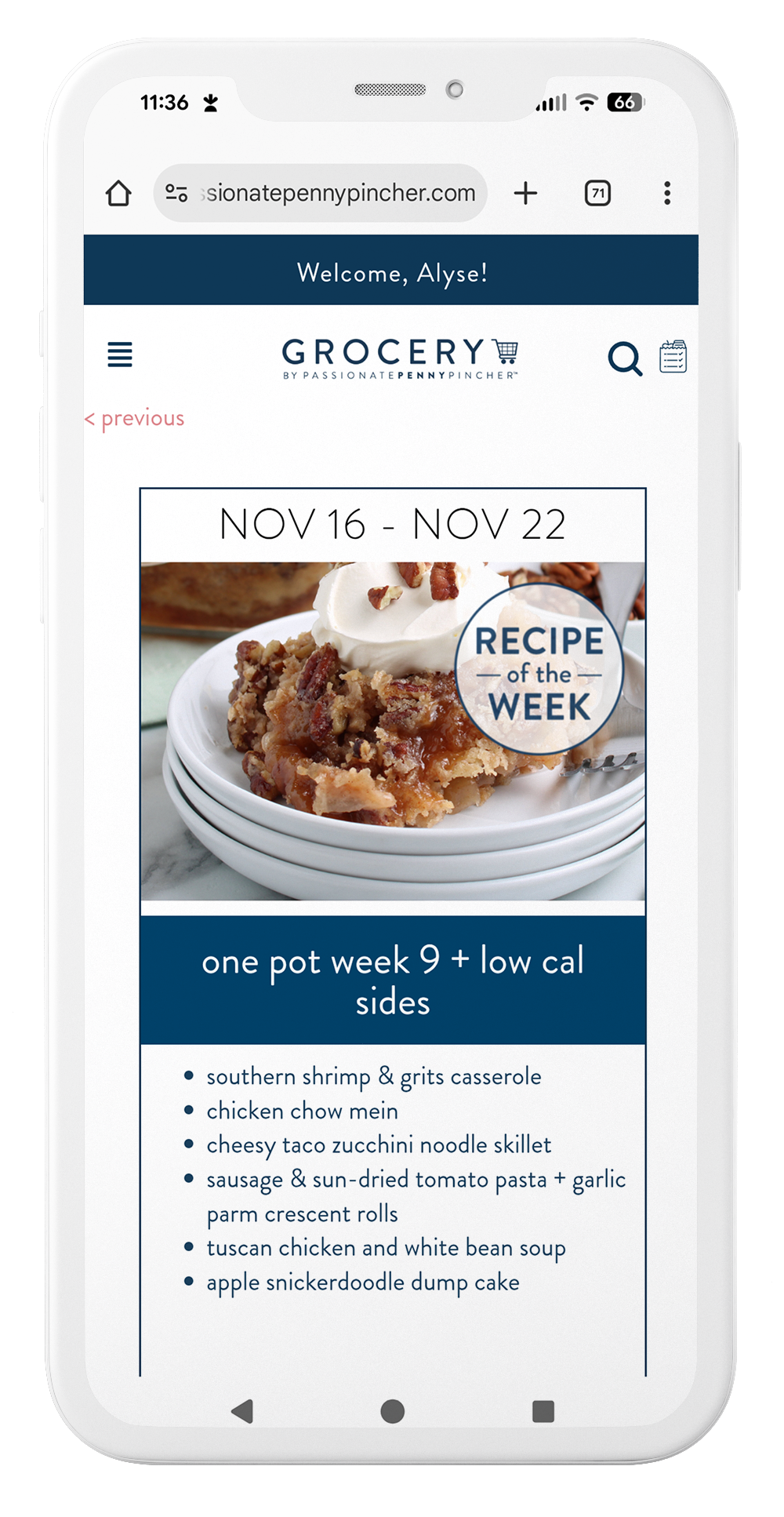
Monthly Calendar
Get 30+ free recipes every month from a variety of our plans.
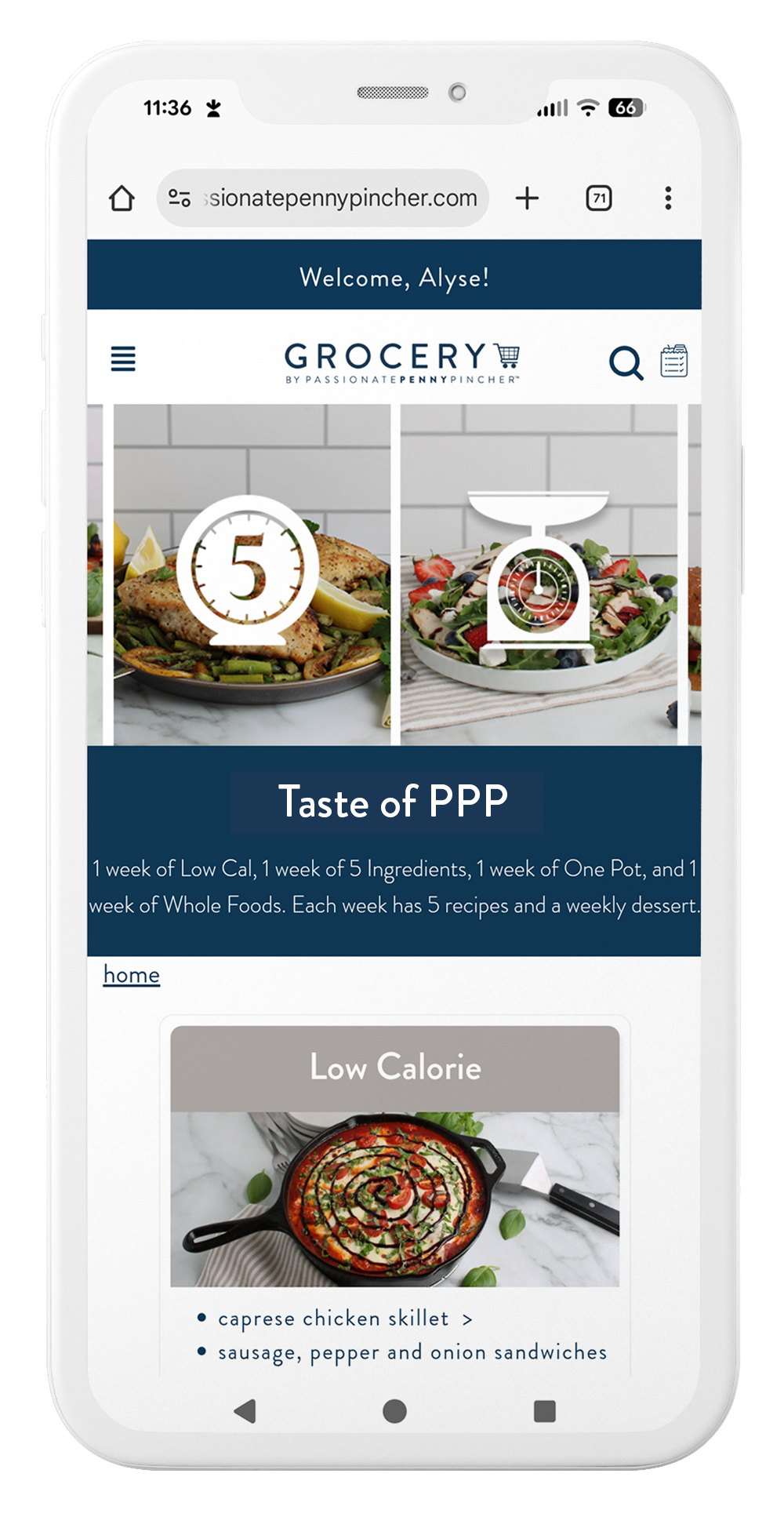
Taste of PPP
24 free recipes from four different boxes to add to your shopping list.
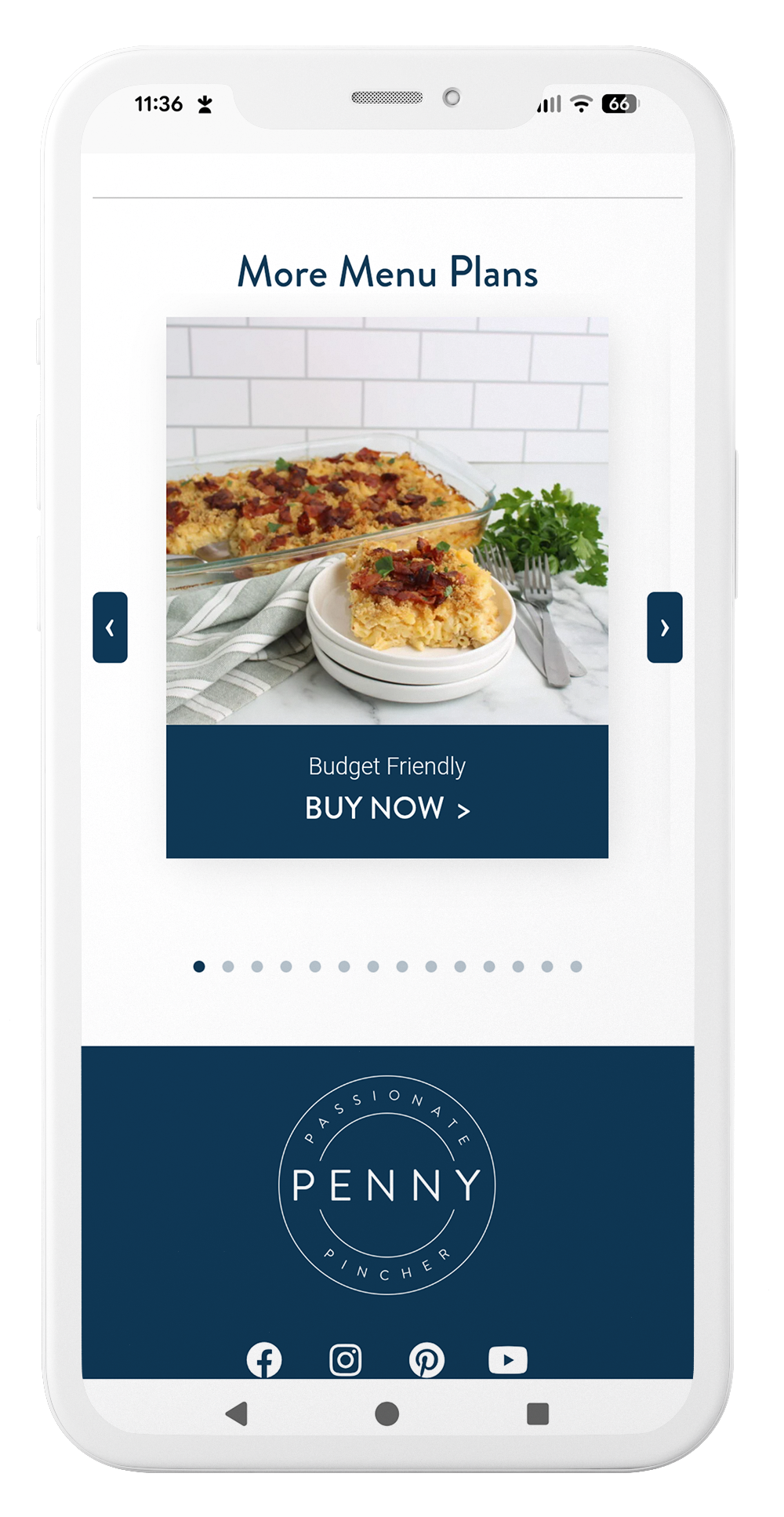
Purchase
Ready for additional plans? You’ll find them all available right here.
Inside Grocery by PPP
Monthly Calendar
Get 30+ free recipes every month from a variety of our plans.
Taste of PPP
24 free recipes from four different boxes to add to your shopping list.
Purchase
Ready for additional plans? You’ll find them all available right here.
Still Have Some Questions?
Watch our video or check out our FAQs below.

What is Grocery by Passionate Penny Pincher and how does it work?
Grocery by PPP seamlessly combines meal planning and grocery shopping by linking our recipes to your favorite grocery store. Simply select the recipes and your grocery list is automatically generated. With less than three clicks, you can order your groceries for the week at your favorite grocery store or delivery service.
Are the recipes family friendly?
Yes! All of our recipes are tested by busy moms and are designed to be kid-approved, budget-friendly and quick to prepare.
Do you have a mobile app?
We do! We are so excited for the launch of our app – available in the AppStore or GooglePlay.
Are there any additional charges to use the app?
The app is a bonus feature that is included with your active Grocery by PPP subscription and there is no additional charge to use it.
How do I cancel my subscription?
You can cancel your membership right from your portal (login here). You’ll continue to have access to the remainder of the term that you have paid for.
How do I start using Grocery by Passionate Penny Pincher?
It’s so easy! Once you’ve purchased your subscription, we’ll send you an email with instructions to log in to your Grocery Dashboard. There, you’ll be able to start creating your personalized menu for the week (and coordinating grocery list).
If I have purchased PPP Menu Plans, are they included in my account?
Yes! All of your previously purchased menu plans will be included in your Grocery by PPP dashboard.
What if I don’t already have a PPP Menu Plan?
Great news! Your subscription to Grocery by PPP gives you access to all the recipes from all the meal plans we offer.
Can I pick and choose recipes from different menu plans?
Yes! You can add recipes from any of the plans on your grocery dashboard.
Can I add my own recipes?
Can I customize my grocery list?
Yes, you can customize your grocery list by adding or removing items before placing your order. This way, you can tailor it to your specific needs and preferences. You can also add other items and ingredients that you need to your list as well!
Which grocery stores and delivery companies are included?
Grocery by PPP connects with a variety of local and national grocery chains, as well as all of the top delivery companies. You can check it out to see which stores are available in your area for delivery or pickup. For example, Kroger, Walmart, or Instacart are included.
Is Grocery by PPP limited to certain stores?
Are dietary preferences and restrictions supported?
Yes, we have plans available that you can choose from, such as Gluten Free, Low Calorie, Whole Foods, and Low Carb! You choose the recipes and adjust your grocery list accordingly. If there is an ingredient that you don’t prefer, you can easily remove it by clicking the trash can icon.
Is there a subscription fee?
Yes, there is a monthly fee of $9.99 or annual fee of $99 (whichever is best for you).
Will my membership renew at the same price?
At renewal, your membership will be charged at the current sale price, so you’ll always get our best available rate. We’ll send you an email with all the renewal information a few days prior so you’re never caught off guard.
Are there additional charges for delivery or pickup?
How is payment handled?
You can use a variety of payment methods, including credit cards and digital wallets.
How can I update my payment information before my next renewal?
You can easily update your payment information under ‘subscription detail’ once you are logged in. If you purchased using “ShopPay,” you’ll need to update on their site.
Will I be able to keep access to my dashboard once my subscription expires?
Access to your Grocery by PPP dashboard is available with an active subscription only.
Can I gift a membership?
Can I buy another membership to extend the one I currently have?
Not at this time due to system limitations. If you purchase an additional membership, it will start a brand new term on your account beginning the day you purchase it.
Can I use my rewards points or discount codes to purchase my subscription?
Rewards points and discount codes are available for physical products and can’t be used for digital subscriptions.
Can I track my grocery delivery?
Yes, once your order is placed, you can track the status of your grocery delivery in real-time through the grocery or delivery partner you choose.
What if I have issues with my order or the Grocery by PPP program?
If you have any issues using the Grocery by PPP System, you can contact our customer support team at grocery@passionatepennypincher.com. We offer email support to assist you with any problems.
If you encounter issues with your grocery order, you will need to contact the service directly as Grocery by PPP has no affiliation with the grocery delivery services.
Does the program have any additional features?
How does the program ensure the quality of the groceries?
We connect with reputable grocery stores and delivery services to ensure the highest quality of products. If you experience any issues with your groceries, you can report it through the partner you choose for a resolution.
What is your refund policy?
Do you have a free trial?
Yes! We have a 14-Day Free Trial. You’ll find it to give you a good glimpse at how Grocery by PPP can work well for you!
Is there a way to search recipes with ingredients I have on hand?
Yes! You can search our recipe database by key word, ingredient, or dietary preference.
Can I change the serving size of the recipe to better fit my needs?
Yes! You can easily increase or decrease your serving size by clicking on the +/- beside the recipe name once it’s been added to your shopping list.